
◆ Research tools
Which reference management software should you use for a thesis?
Category: research-methods
Last updated: 2026-10-03

The worst moment to choose a reference manager is the week your thesis is due. By then the bibliography holds a few hundred entries, half of them typed by hand, and any tool you adopt has to be taught every one of them. The better moment is the first week of reading, when the library is empty and the choice costs nothing. This guide compares four managers, Zotero, Mendeley, EndNote and JabRef, on the facts that decide a thesis choice: what they cost to start, how much they store for free, how many citation styles they carry, and which word processors they work with. It is part of our wider guide to AI and research tools at each stage of a project, where reference managers appear as one stage among ten.
Direct answer: No manager is best for every thesis, so choose by compatibility. Zotero and JabRef are free and open source, Mendeley has a free tier, and EndNote desktop is paid. Match the plugin to your word processor first, then check the free storage limit and whether your university supports the tool.
Every free limit below comes from a vendor page we read on 3 October 2026, so it may have changed since. We give no paid prices, because paid prices differ between pages of the same vendor. Vendor statements are attributed to the vendor, and the only test of output quality we found is one informal review from 2018.
◆ Question 1 / 4 · What is free
Which reference managers are free, and what do the free limits allow?
Direct answer: Zotero and JabRef are free, open-source programs. Mendeley is free with 2 GB of storage. EndNote desktop is paid, but its online version, EndNote Basic, is free with 2 GB, 50,000 references and 21 styles. Zotero offers 300 MB of free sync storage, though local storage on your own computer is unlimited.
| Tool | Cost model | Free access, checked 3 October 2026 | Citation styles |
|---|---|---|---|
| Zotero | Free, open source | 300 MB free sync storage, local storage unlimited | 10,000+ styles in its repository |
| Mendeley | Free tier | 2 GB free storage | Not listed in our sources |
| EndNote | Paid desktop program plus free EndNote Basic online | Basic: 2 GB, 50,000 references | 21 styles in Basic, more than 7,000 in the desktop version |
| JabRef | Free, open source | Library kept in a local text file | Many thousand built-in styles, per its documentation |
Two numbers in the table matter more than the others. The first is Zotero's 300 MB of sync storage. It is the smallest cloud allowance among the three tools that offer one, and a library that includes PDFs can fill it quickly. The vendor's local storage is unlimited, so the limit only bites if you want your library mirrored across several computers. The second is the gap between EndNote's two forms: 21 styles in the free online version and more than 7,000 in the desktop program. If your department requires an unusual style, check which version carries it before you commit.
JabRef sits apart from the other three. It keeps your library in a local file in BibTeX or biblatex format, so there is no cloud allowance to run out of, and the price of that is that syncing and backing up are your job. Nothing in this paragraph is a quality judgement. It is a difference in design, and it suits some workflows better than others.
Counting across the four tools, three have a free starting point (Zotero, Mendeley and JabRef), and the fourth, EndNote, offers one through its 2 GB online version. The free cloud allowances range from 300 MB to 2 GB, and the style counts range from 21 to more than 10,000.
A practical rule follows from the numbers. If you work on one computer and your university has no preference, any of the free options will hold a thesis-sized library. If you move between a laptop and a library desktop, compare the cloud limits before you compare anything else.
◆ Question 2 / 4 · Your word processor
Which reference manager works with your word processor?
Direct answer: Zotero has plugins for Word, LibreOffice and Google Docs. Mendeley Cite works with Word only and is not available for LibreOffice or Google Docs. JabRef works with Word and LibreOffice, and reads BibTeX files for LaTeX. The word processor you write in often settles the choice before any other feature does.
The word processor matters because the plugin is the part you touch every day. A reference manager stores sources, but the plugin inserts the in-text citation and builds the list at the end. If the plugin does not exist for the program you write in, you are back to typing citations by hand, which is the problem the manager was meant to remove.
Writers in Word have a wide choice, since Zotero, Mendeley Cite and JabRef all work there, the Bodleian Libraries' comparison guide lists Word support for EndNote desktop, and EndNote Web used with EndNote 2025 adds Word Online. Writers in LibreOffice can use Zotero or JabRef, and Mendeley is ruled out. Writers in Google Docs, which many students use for drafts shared with a supervisor, have two routes. Zotero lists a Google Docs plugin, and its support page says that with 100 or more citations a single update can take up to 10 seconds. EndNote Web used with EndNote 2025 offers Cite While You Write in Google Docs and Word Online, according to the vendor, but the Bodleian guide states that the free EndNote Online does not support Cite While You Write in Google Docs or Word Online. The Mendeley add-in is not available for Google Docs, and JabRef lists support for Word and LibreOffice only.
Writers in LaTeX are a separate case. JabRef reads BibTeX files directly, which is why it is popular with people who already write in LaTeX. Overleaf, an online LaTeX editor, has a free plan with one collaborator per project and a basic compile time limit, and it can be used alongside a manager that exports BibTeX. Our sources do not describe a specific integration between Overleaf and any one manager, so treat that pairing as something to test on a small document before you rely on it.
◆ Question 3 / 4 · Is one more accurate
Is one reference manager more accurate than the others?
Direct answer: Only weak evidence exists. A 2018 product review by two librarians tested four managers informally and reported that Zotero generated the most accurate bibliographies in their testing. They also reported small errors in all four. Software versions have changed since, so treat the output of any manager as a draft and check it yourself.
Ivey and Crum (2018) compared EndNote, Mendeley, RefWorks and Zotero in the Journal of the Medical Library Association. It is a review of products, based on informal tests of the versions available in 2018, and not a controlled experiment. Their conclusion favoured Zotero for accuracy: Zotero generated the most accurate bibliographies "in our testing" (Ivey & Crum, 2018, Section Conclusion). That is a fair reason to put Zotero on your shortlist. It is not a reason to believe that Zotero will format your thesis correctly without checking.
The finding that matters more for a thesis writer is the one about errors. The review reports that "All four products made occasional small errors in citations, especially when we cited web pages, but Mendeley performed especially poorly, omitting key information from web page citations, such as date accessed" (Ivey & Crum, 2018, Creation of Bibliographies section). The first half of that sentence applies to every tool they tested, including the one they ranked first, and the second half singles out Mendeley for leaving the date accessed out of web page citations. It also names the entries most likely to go wrong, which are web pages, and a thesis draws on web pages for reports, policy documents and datasets. In their conclusion the same authors add that "the best choice for a given purpose may be determined by factors other than the functionality of the applications themselves" (Ivey & Crum, 2018, Section Conclusion), naming cost, institutional support, research needs, prior familiarity and access for the whole team.
What this means in practice is a short checking routine. After the manager builds your reference list, compare a sample of entries against your style guide, and give extra attention to web sources, to entries with many authors, and to any entry you imported automatically. Read the entries slowly rather than skimming them. Web pages are where managers slip most often, because the page may show no author or no date, so check those entries against our guide on how to cite a website in APA 7. If you are using APA, our APA 7th referencing guide shows what a correct entry should look like, and APA 7th vs Harvard referencing explains how the two styles differ when your university allows a choice.
One limit of the evidence is worth stating. The review tested the formatting of output, not the quality of what you collect. A manager will format a weak source as neatly as a strong one. Choosing sources is still your work, and it belongs to the stage described in how to write a literature review.
◆ Question 4 / 4 · Choosing for your thesis
How should you choose for your own thesis?
Direct answer: Decide in four steps. First, ask your supervisor and library which tool they support. Second, pick the plugin that matches your word processor. Third, compare the free storage with the size of your library. Fourth, test the tool on ten real sources before importing everything, and keep a backup copy.
Four steps to choose a manager for your thesis
Tap a step to read it as the post puts it, in the order the post gives them.
Step 1 of 4
Ask who supports it
Start with support, because a tool your university supports comes with training, guides and a person to ask.
Step 2 of 4
Match the plugin
Write down the program you will draft in, then remove any manager whose plugin is missing for it. For most students this step leaves two or three candidates.
Step 3 of 4
Compare the storage
Compare the free storage with the size of your library and with your habits, such as whether you keep full-text PDFs inside the manager. Because limits change, recheck the vendor page on the day you decide.
Step 4 of 4
Test, then back up
Import ten sources of different types, insert them into a short document and inspect the output before importing everything, and keep a backup copy.
Save this figure
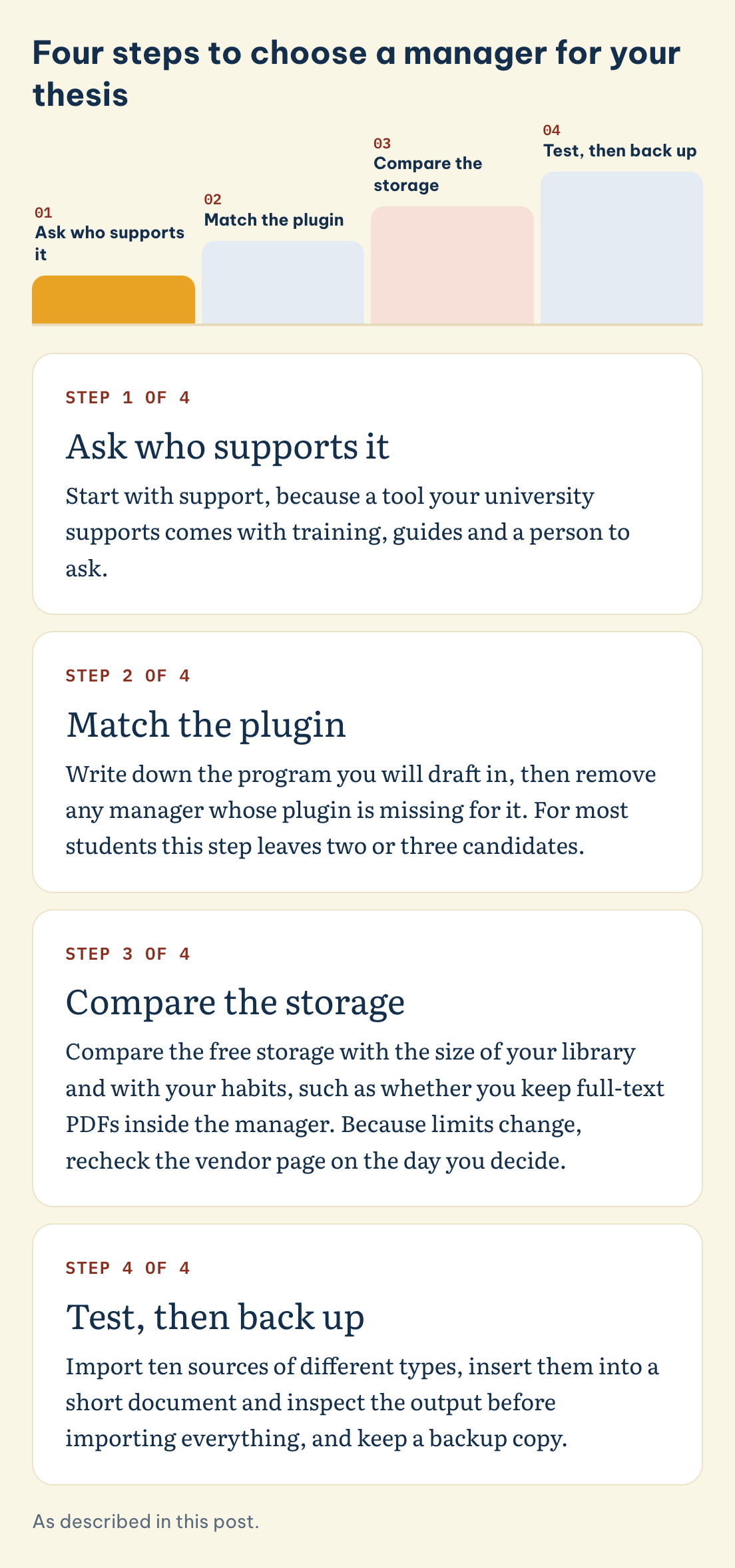
Start with support, because a tool your university supports comes with training, guides and a person to ask. Many university libraries publish a comparison table of reference managers. The Bodleian Libraries comparison tables, listed under Tools and resources below, are one example, and your own library probably has a similar page. A supervisor who already uses a tool can also open your library file if something goes wrong.
Next, match the plugin. Write down the program you will draft in, then remove any manager whose plugin is missing for it. For most students this step leaves two or three candidates.
Then compare storage with your habits. If you store full-text PDFs inside the manager and expect a large library, 300 MB of Zotero sync storage is small and a 2 GB allowance gives more room. If you keep PDFs in your own folders and only store the citation data, the difference shrinks. Because limits change, recheck the vendor page on the day you decide.
Finally, test before you commit. Import ten sources from different types, a journal article, a book chapter, a report and a web page, then insert them into a short document and inspect the output. This is a small test, and it shows you the one thing no comparison table can: how the tool behaves with the kinds of source your thesis actually uses.
Whatever you choose, keep a second copy of the library file outside the manager, and export it from time to time in a standard format. A reference manager is a convenience, not a vault, and a corrupted library in the last month of a thesis is a problem that a five-minute export would have prevented.
Frequently asked questions
Is Zotero better than Mendeley or EndNote?
Our sources do not support a ranking. An informal 2018 review by Ivey and Crum (2018) found that Zotero generated the most accurate bibliographies in their testing, while reporting occasional small errors in all four products. Compatibility with your word processor and your university's support usually matter more than that single result.
Which reference managers are free?
Both Zotero and JabRef cost nothing and publish their source code. Mendeley offers a free tier with 2 GB of storage. The desktop edition of EndNote is a paid product, while its online edition, EndNote Basic, gives 2 GB, 50,000 references and 21 styles at no cost. Free limits change, so confirm them on the vendor page.
Which reference manager works with Google Docs?
Zotero lists a Google Docs plugin, and the vendor notes that an update with 100 or more citations can take up to 10 seconds. The Mendeley Cite add-in is not available for LibreOffice or Google Docs. EndNote Web with EndNote 2025 offers Cite While You Write in Google Docs, according to the vendor, but the free EndNote Online does not.
How much storage do free reference managers give?
Zotero gives 300 MB of free sync storage and unlimited local storage. Mendeley gives 2 GB free. EndNote Basic gives 2 GB and 50,000 references. JabRef keeps your library in a local file, so there is no cloud allowance.
Which reference manager works with LaTeX and Overleaf?
JabRef reads BibTeX and biblatex files, which makes it a natural partner for LaTeX. Overleaf has a free plan with one collaborator per project. Our sources do not describe a specific link between Overleaf and one manager, so test the pairing on a short document first.
Need a second pair of eyes on your thesis workflow?
Picking a tool is one small decision inside a thesis that has many bigger ones, and it goes more smoothly when someone who has supervised work in your field is on hand to ask. MAAS Academic Mentoring matches you with an expert from your discipline who coaches you from the first reading list to the last reference check, while you research and write every word yourself. 23% of MAAS experts hold a PhD. When our network already covers your field, matching usually takes up to 48 hours, and when it does not, a dedicated recruitment round can take about two weeks. Begin with the free 20-minute consultation through our contact page.
Explore Academic Mentoring with MAAS →
Related guides
- Which AI and research tools help at each stage of a project?: the full ten-stage guide this comparison belongs to
- Which AI tools can help with a literature review, and at which step?: the six steps of a review, tool by tool
- Which qualitative data analysis software fits your thesis?: what CAQDAS can and cannot do
- APA 7th referencing guide: what a correct entry looks like
- APA 7th vs Harvard referencing: choosing between the two styles
- How do you write a literature review?: turning sources into an argument
- Which AI tools are allowed in university work?: checking your institution's rule
- Academic Mentoring service: one-to-one coaching for your thesis or dissertation
Tools & resources
- Bodleian Libraries, reference management comparison tables: https://libguides.bodleian.ox.ac.uk/reference-management/comparison-tables
- UCSD Library, comparison of citation managers: https://ucsd.libguides.com/howtocite/compare
- Zotero, Google Docs support page: https://www.zotero.org/support/google_docs
- Zotero, word processor integration: https://www.zotero.org/support/word_processor_integration
- EndNote, compare previous versions: https://endnote.com/product-details/compare-previous-versions
- JabRef documentation: https://docs.jabref.org
References
- Ivey, C., & Crum, J. (2018). Choosing the right citation management tool: EndNote, Mendeley, RefWorks, or Zotero. Journal of the Medical Library Association, 106(3), 399–403. https://doi.org/10.5195/jmla.2018.468
This article is part of the MAAS Journal series for Vietnamese international postgraduate students and researchers. MAAS Academic Mentoring is an advisory service; we coach students through a phase-by-phase process with feedback from discipline-matched experts. We do not write, submit, or guarantee the outcome of work on a student's behalf.
A free 20-minute consultation with MAAS Academic Mentoring, to talk through your thesis workflow.
Book Free Discovery ▸